
Free AI Image and Video Generator
Image to motion. One workspace.
New accounts receive gift credits. Choose your settings and check the generation cost before you start.
Free AI Video Generator · 720p
A Free AI Image and Video Generator for your next visual idea. Shape a still image, explore different models, and carry your prompt into a moving scene. New accounts receive signup gift credits; choose your settings and check the current generation cost before you create.
- Images and video, together
- Switch models without starting over
- See the credit cost before you create
Find the model for your idea
 Grok Imagine 1.5
 Seedance 2.0 MiniSeedance 2.0Seedance 2.0 FastSeedance 2.5
 Veo 3 LiteVeo 3 FastVeo 3
 Kling 3.0Seedance 2.0 Mini · ClassicGrok Imagine · ClassicKling 3.0 · 4KGemini Omni VideoKling 2.6 · Motion ControlKling 2.6 · Motion Control ClassicSeedance 1.5 ProKling 3.0 · Multi-ShotGemini Omni · Muse VideoSeedream 4Nano Banana ProSeedream 5.0 Pro
 GPT Image 2GPT Image 2.5 FlareGPT Image 2.5 SunburstNano Banana Pro · Muse Image
Free AI Image Generator Give the idea a visual identity
Use the Free AI Image Generator to decide what your campaign should look like: the material, the light, the framing, and the space around the subject. A product portrait and an architectural concept ask different questions; start with the one you need to answer.
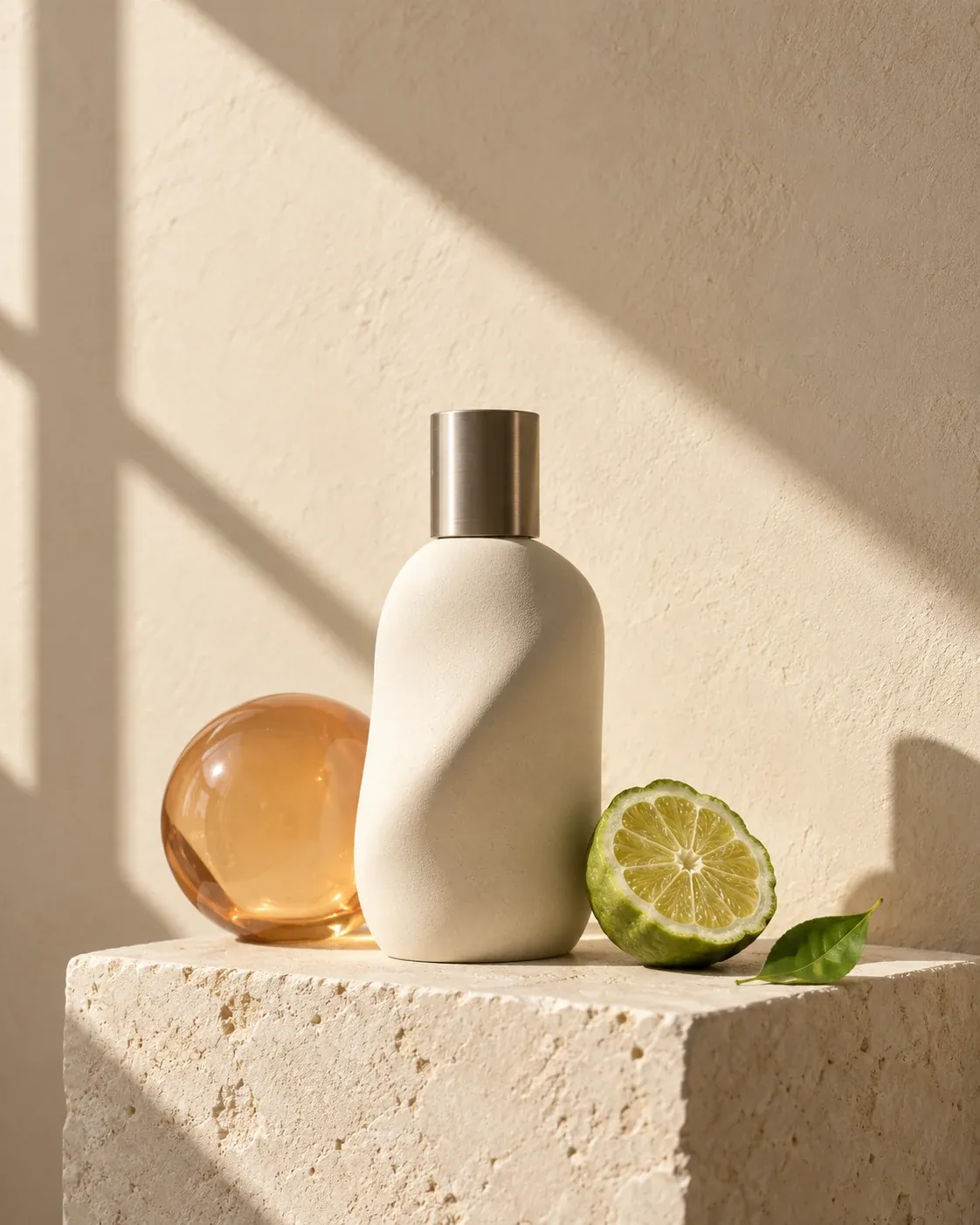
Ceramic and light
A sculptural fragrance bottle, warm window light, and room for a campaign headline.
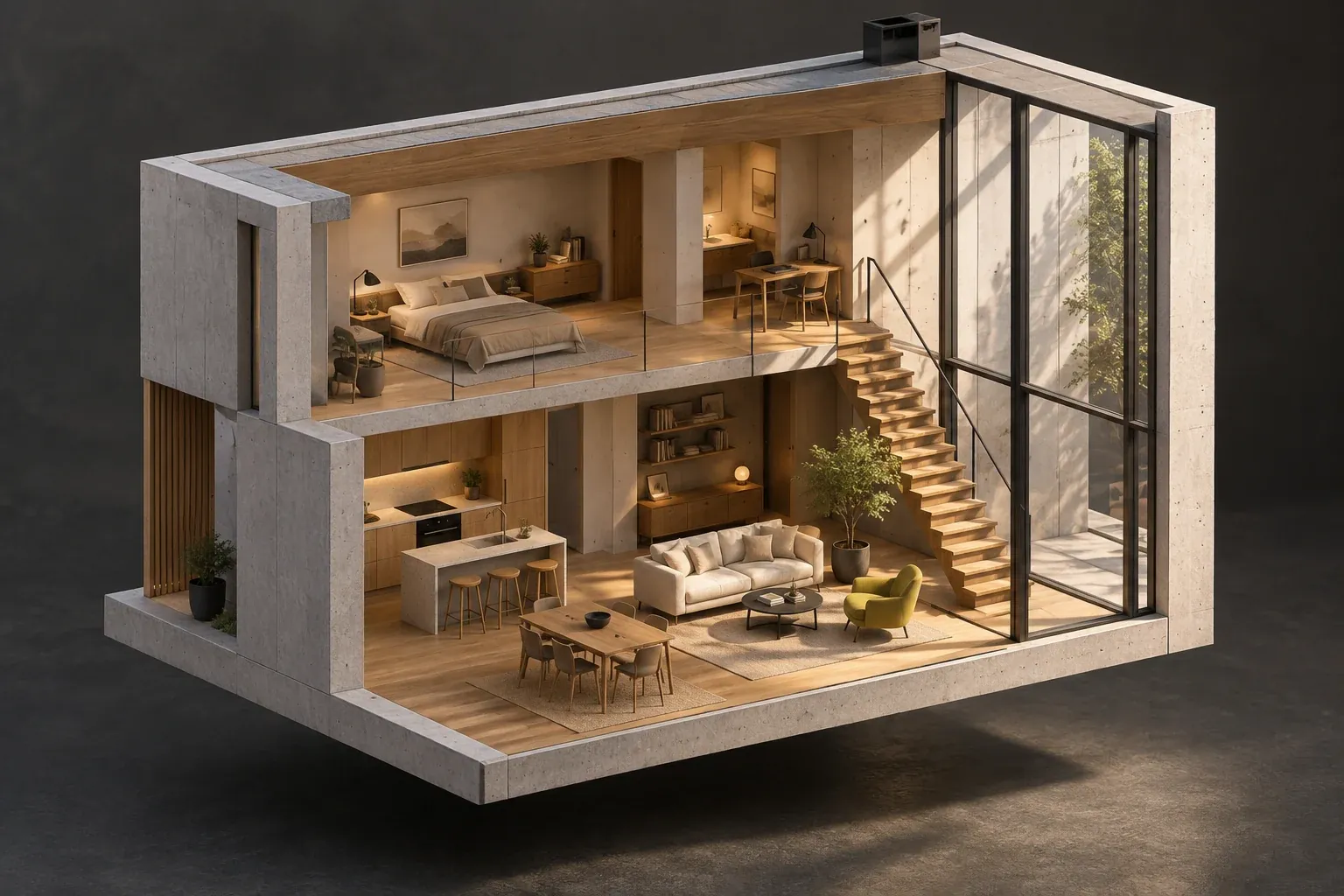
Inside a creative space
A sectional studio-house concept explores structure, materials, and interior light.
Free AI Video Generator Make the moment move
The Free AI Video Generator adds the part a still cannot show: a turn, a reveal, a change of light, or a camera moving through a scene. These original Grok Imagine 1.5 clips show creative starting points with their real prompts and settings.

Amber in motion
Free AI Video Generator · 720p · 6s
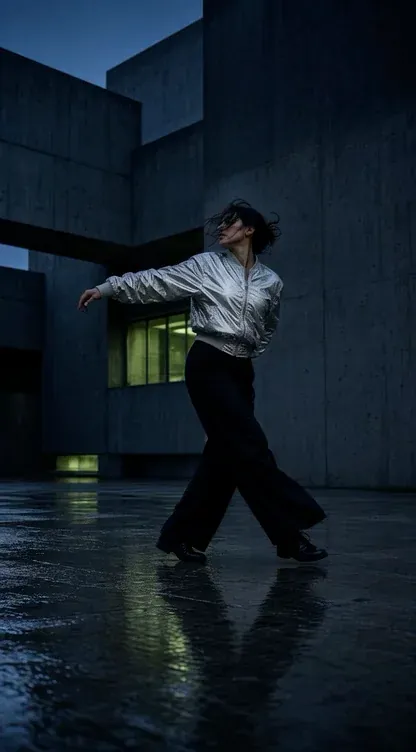
City rhythm
Free AI Video Generator · 480p · 5s
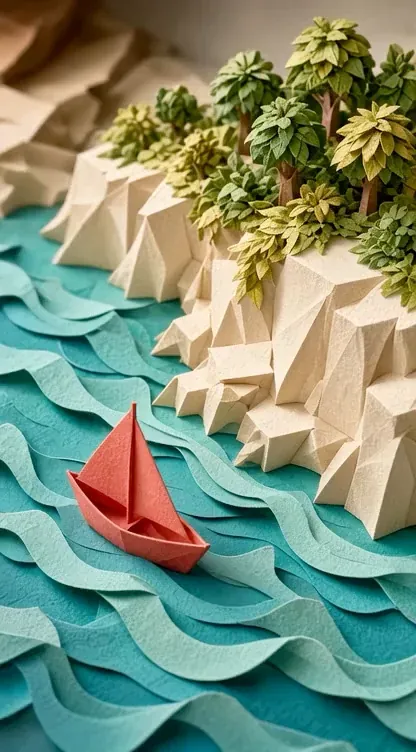
A paper voyage
Free AI Video Generator · 480p · 5s
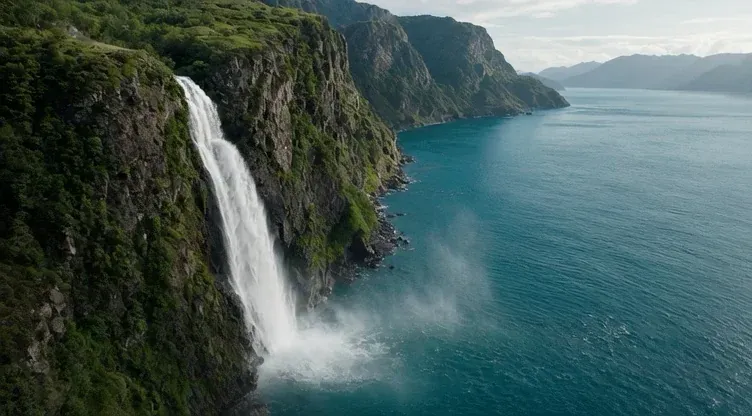
Wild water
Free AI Video Generator · 480p · 5s
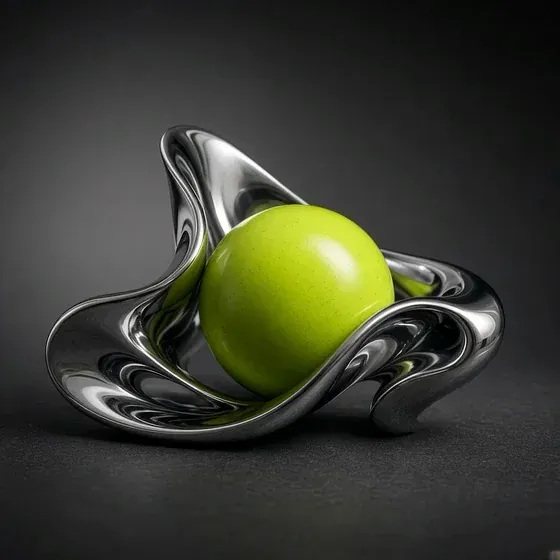
Liquid form
Free AI Video Generator · 480p · 5s
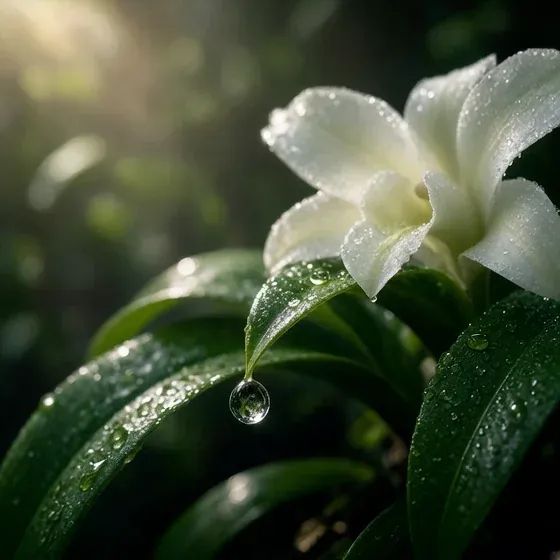
Botanical light
Free AI Video Generator · 480p · 5s
From a visual direction to a moving scene
Build the look in the Free AI Image Generator, then describe the action in the Free AI Video Generator. The workspace keeps both tools close, so a finished image can become a reference for a compatible video mode rather than an idea you have to reconstruct.
- 01
Define the look
Choose the subject, composition, and light. Make a still with enough room for the action you plan to add, and keep the framing suitable for your final format.
- 02
Choose the motion
Open a video model that accepts the input you have. Add a supported reference when useful, then specify one principal action and a camera move instead of repeating the image description.
- 03
Review the complete sequence
Watch the beginning, middle, and end. Check subject continuity and the last frame before making a longer or higher-resolution version. Keep the original brief beside the changes you test.
Choose by the work, not the model name
Start with your input and the control you need. The Free AI Image Generator and Free AI Video Generator expose the selected mode’s settings; a comparison should use those actual options, not assume every model accepts the same references or duration.
| Model | A useful starting point | What to check |
|---|---|---|
 Seedance 2.0 Seedance 2.0 | A short scene with a clear subject and action | Full, Fast, or Mini; supported inputs and duration |
 Seedance 2.5 Seedance 2.5 | A longer scene with an organized reference set | Reference roles, available duration, and framing |
 Seedream 5 Pro Seedream 5 Pro | Image concepts, campaign layouts, and reference edits | Composition, text readability, and output format |
 Nano Banana Pro Nano Banana Pro | A detailed still or an edit guided by existing images | Which parts should stay fixed and which should change |
 Kling 3.0 Kling 3.0 | A focused video shot with optional frame guidance | Subject motion, start/end inputs, and duration |
Original creative inspiration.
Keep creating. Keep the thread of your idea.
The workspace gives you one place to explore image and video choices with shared account credits. Your prompt stays with you when you switch models in a tool; supported drafts also preserve the inputs you prepared. Spend the next attempt refining the idea, rather than rebuilding the form.
- A prompt that travels
- Move between model choices while keeping the words you are working on. Recheck each model’s accepted reference type before carrying files into a different workflow.
- One balance, visible decisions
- See the estimate for the active settings before submitting. A shorter draft or smaller output can help you assess direction before committing to a more demanding version.
- A connected creative workflow
- Use the Free AI Image Generator for the key visual and the Free AI Video Generator for the moving scene. Keep a consistent subject, palette, and final format across both.
A clearer brief. A better next version.
Begin with a decision you can see in the result. In the Free AI Image Generator, that might be the object’s placement, the direction of the light, or the space for a headline. In the Free AI Video Generator, choose a main action and the camera’s path. Name the detail that matters before adding a broad style request.
After the first result, compare the output with that specific intention. Keep the useful parts of the brief and change one variable: framing, light, motion, or an accepted reference. The workspace keeps the working prompt close to the next attempt. Review the selected settings and credit estimate again when the correction changes the scope of the generation.
Try your first idea with signup gift credits
New accounts receive gift credits under the current signup rules. Start with a focused image or short video, review the displayed cost, and choose the settings that fit your available balance. Free trial credits are a starting point for exploring the tools; each generation still uses credits.
See the cost before you generate
Signup gift credits are available to eligible new accounts. Check the credit estimate for your selected model and settings before generating.
Botanical light
Free AI Video Generator · 480p · 5s
Questions before you create